The front desk computer and your phone, in sync.
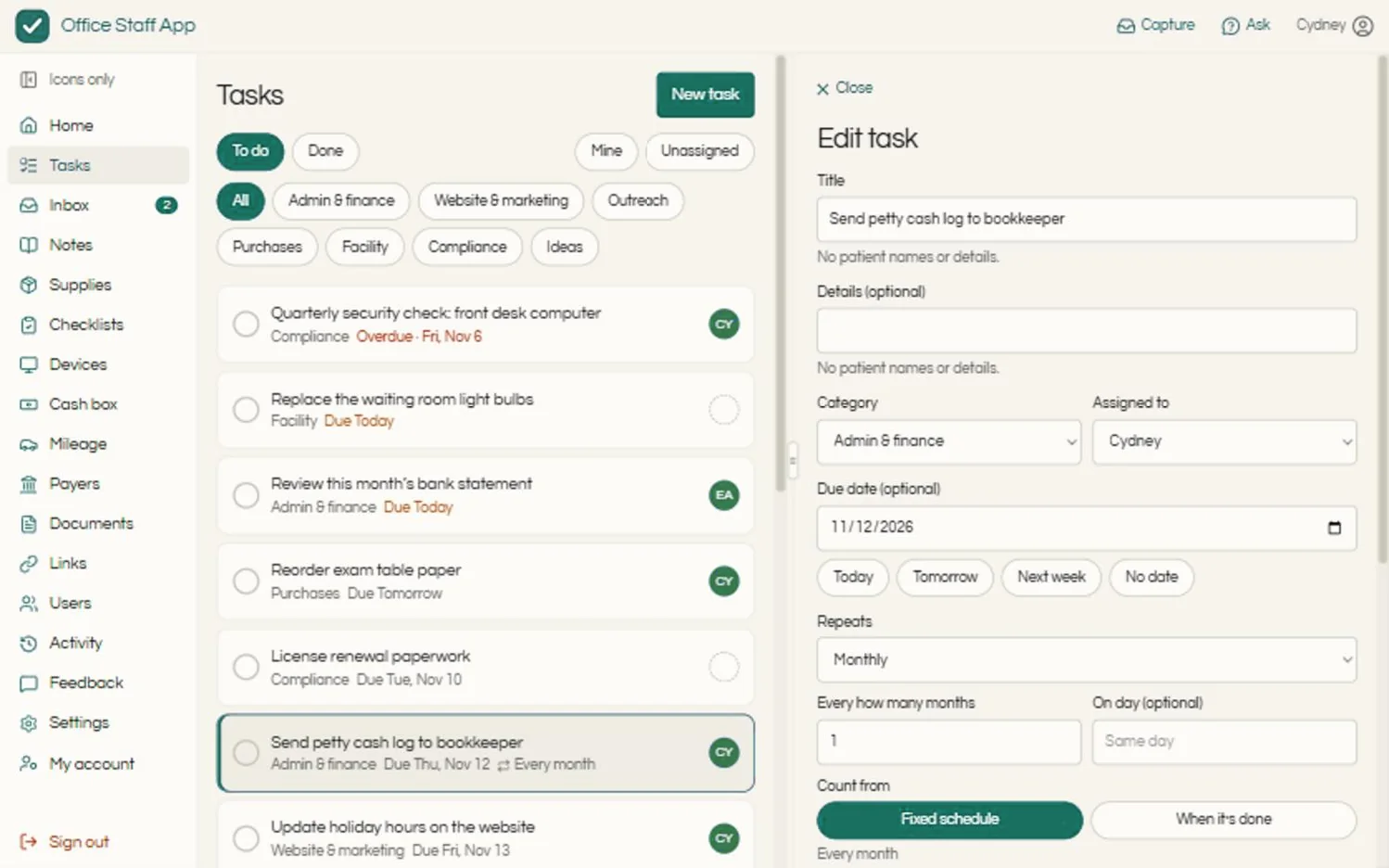
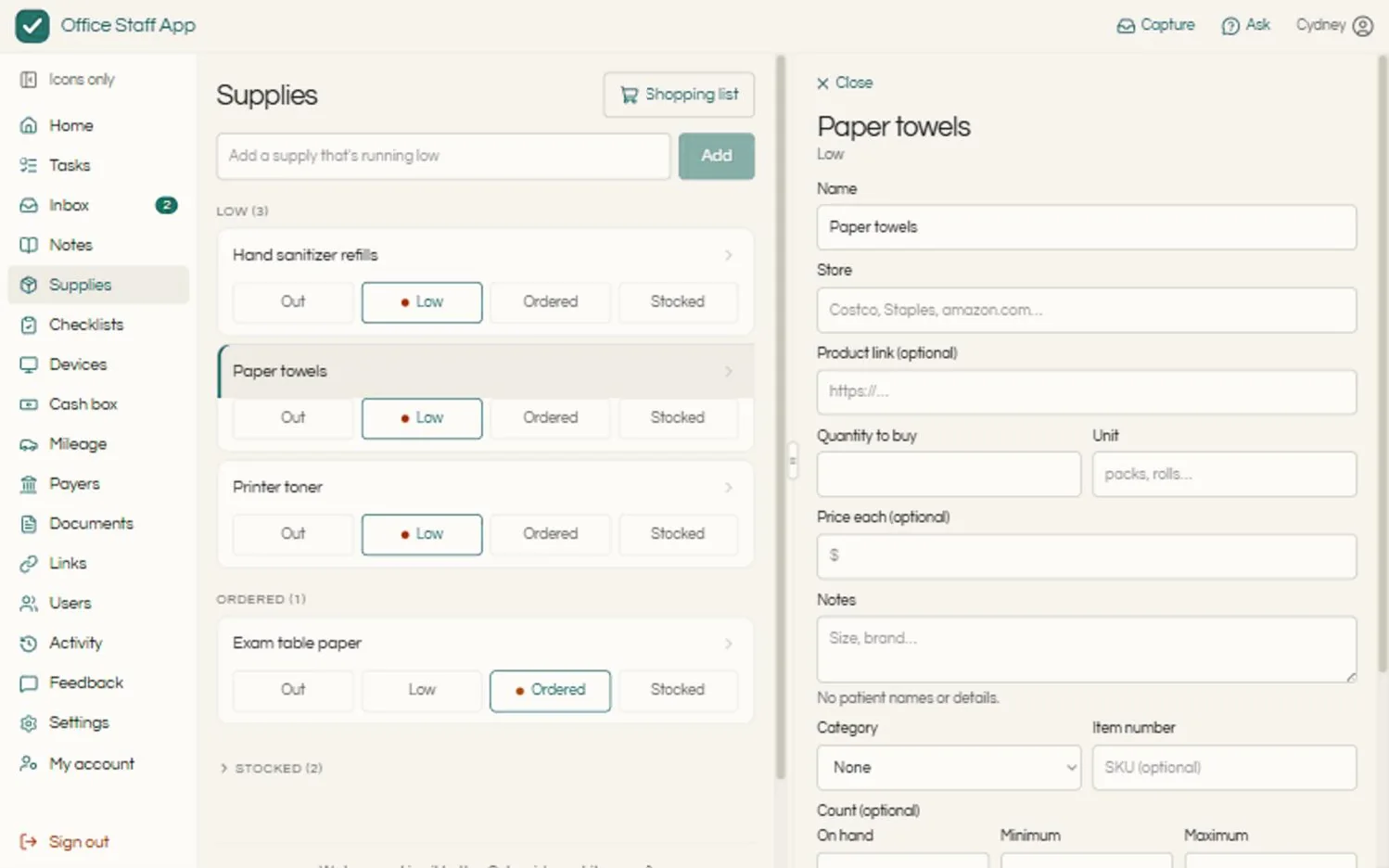
It's the same app with the same information. On a bigger screen you get a sidebar, and lists open side by side with the details, so the front desk can work without switching screens.
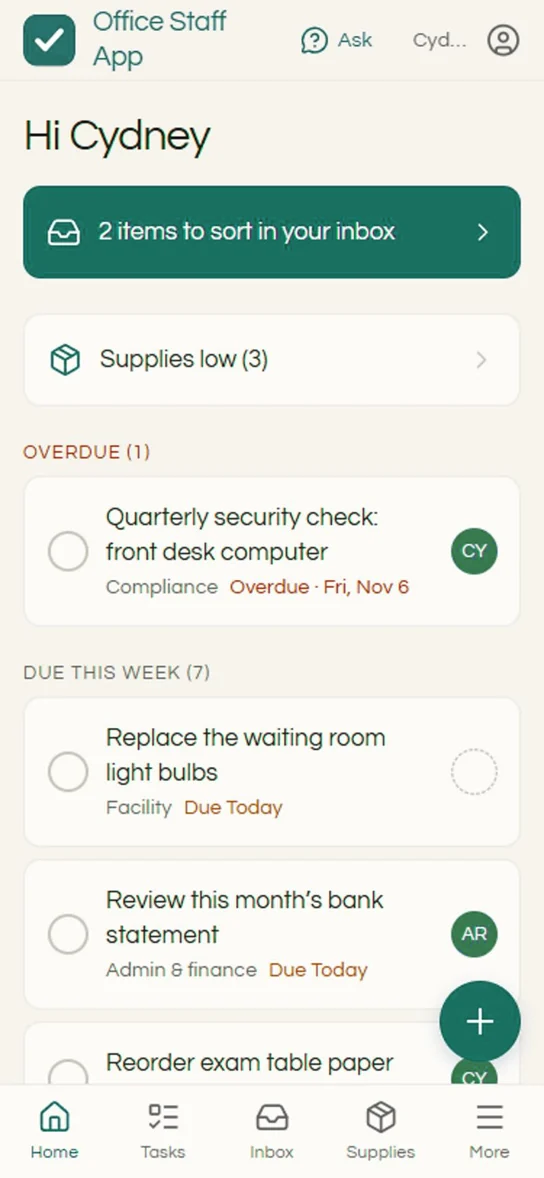
These are real screens from the copy running at our first office, filled with example data. In your copy, the name at the top is your business's.
It's the same app with the same information. On a bigger screen you get a sidebar, and lists open side by side with the details, so the front desk can work without switching screens.
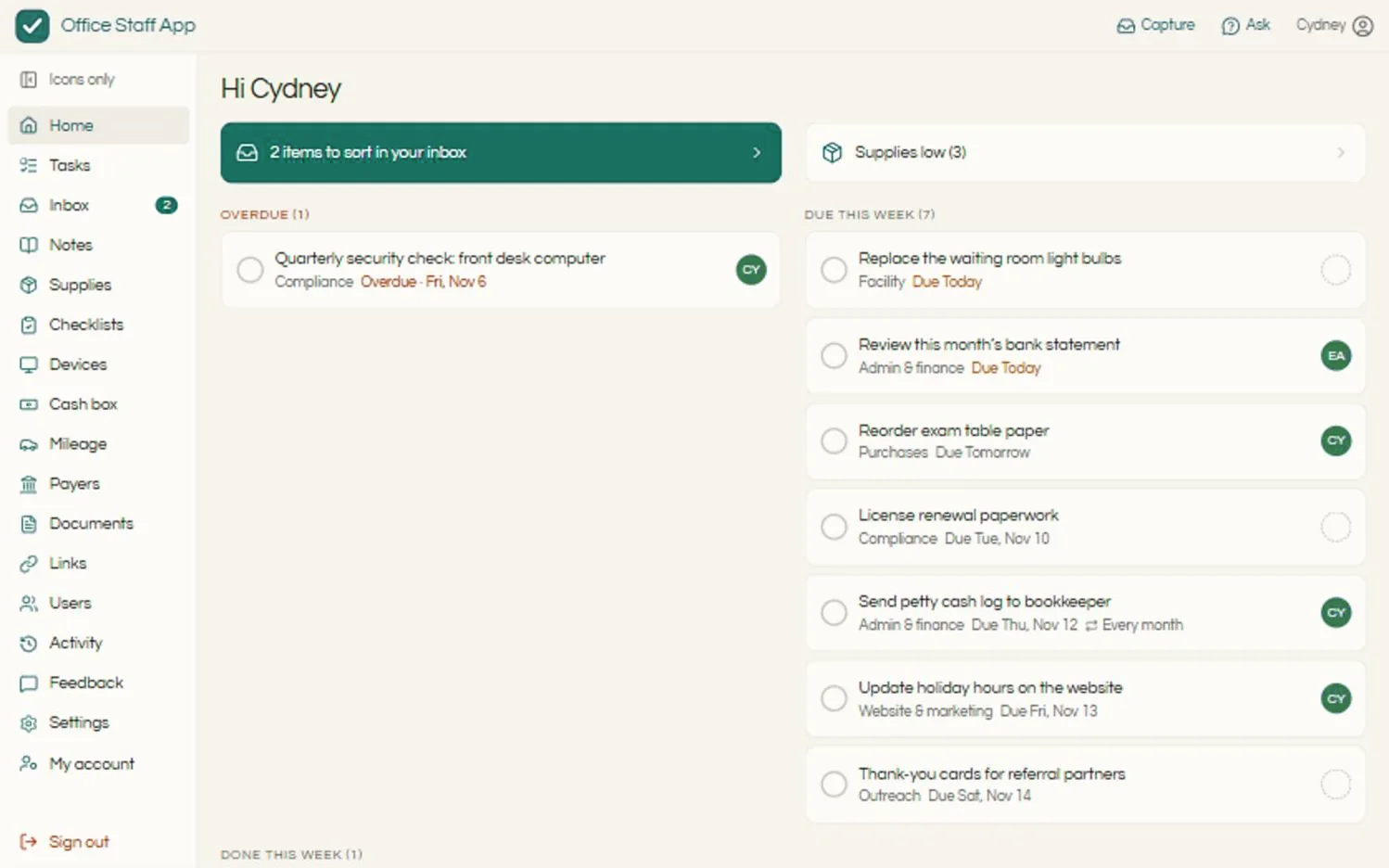
Open the app and see what's overdue, what's due this week, what's waiting in the inbox and which supplies are running low.
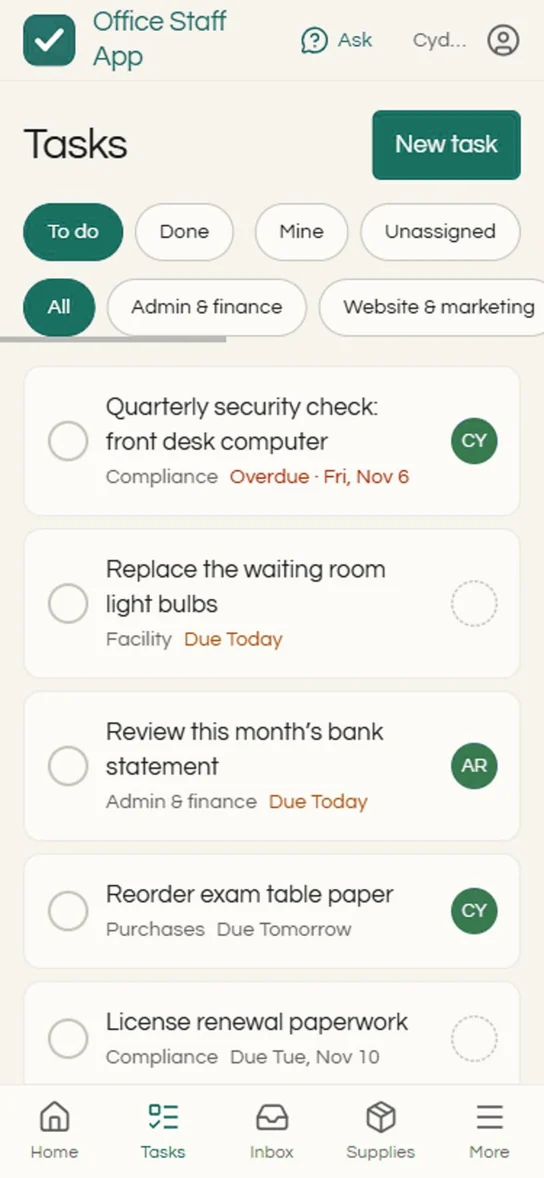
Give each task an owner, a category and a due date if it needs one. Filter by category, by "Mine" or by unassigned. Repeating tasks come back on their own.
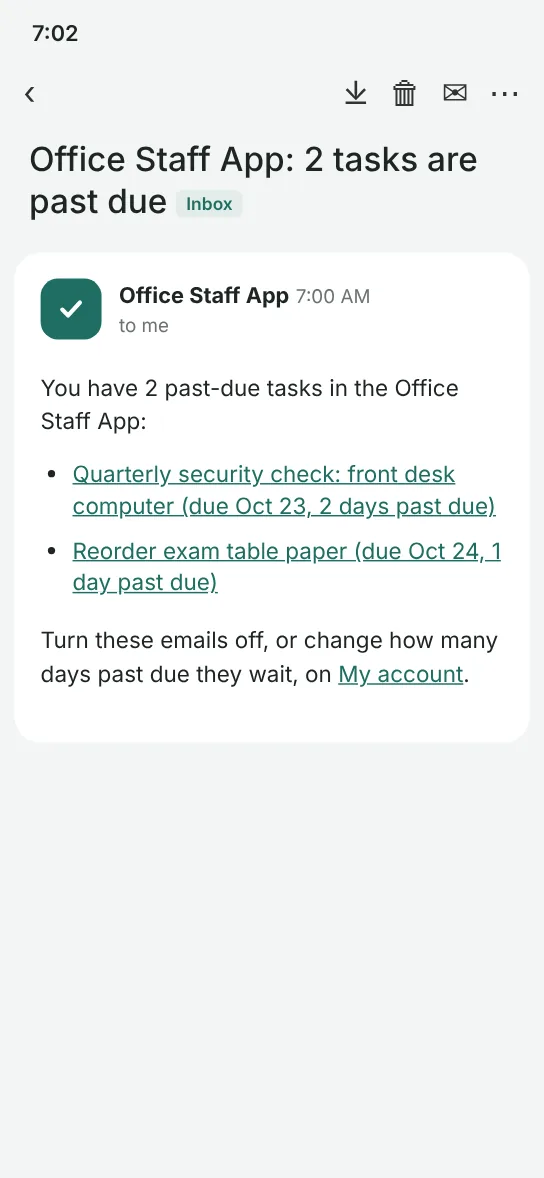
Each morning, anyone with overdue tasks gets a short email listing them, one tap from each task. Everyone picks their own timing, or turns it off.
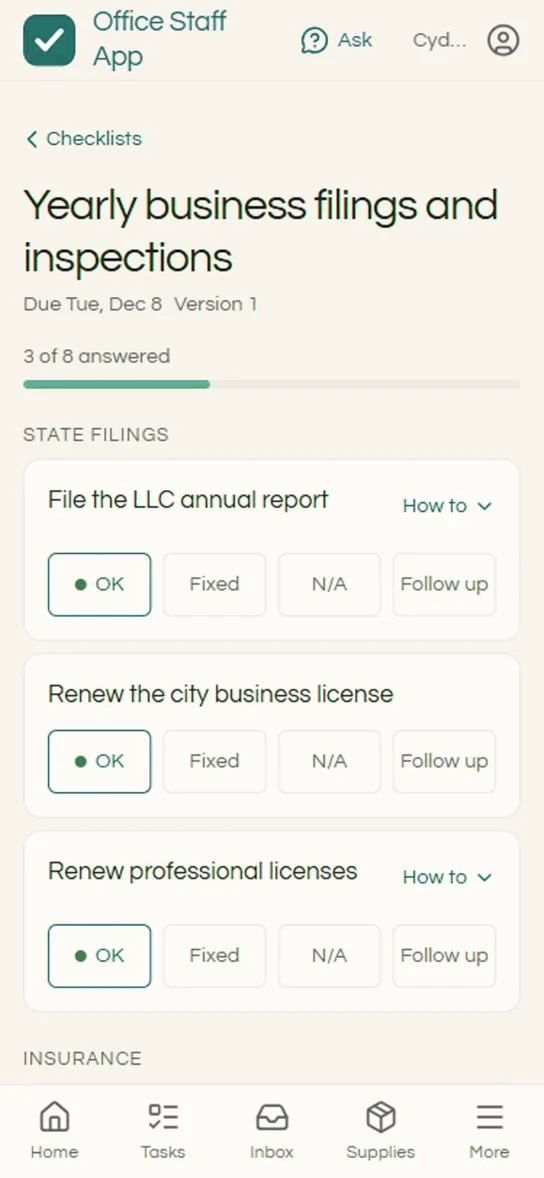
Walk through a checklist and mark each step OK, fixed, not applicable or needing follow-up. A follow-up becomes a task, and every run keeps who checked what, and when.
Checklists also work for the paperwork that comes around once a year: state filings, license renewals, insurance reviews, fire extinguisher inspections and security reviews. Set one to repeat every year and add a "how to" note to each step, so whoever does it next year isn't starting from scratch.
For example, a Washington LLC files an annual report with the Secretary of State by the end of the month it was formed, every year ($70 online). Miss it and late fees follow, and eventually the state can dissolve the business. Other states have their own versions and deadlines; your checklist keeps yours on the calendar and records when it was done.
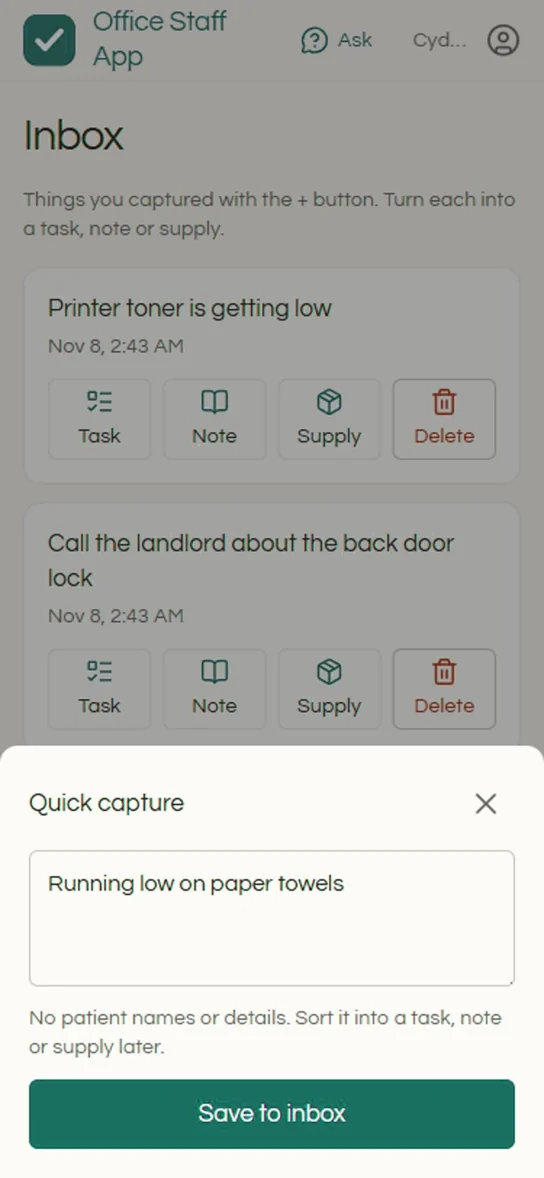
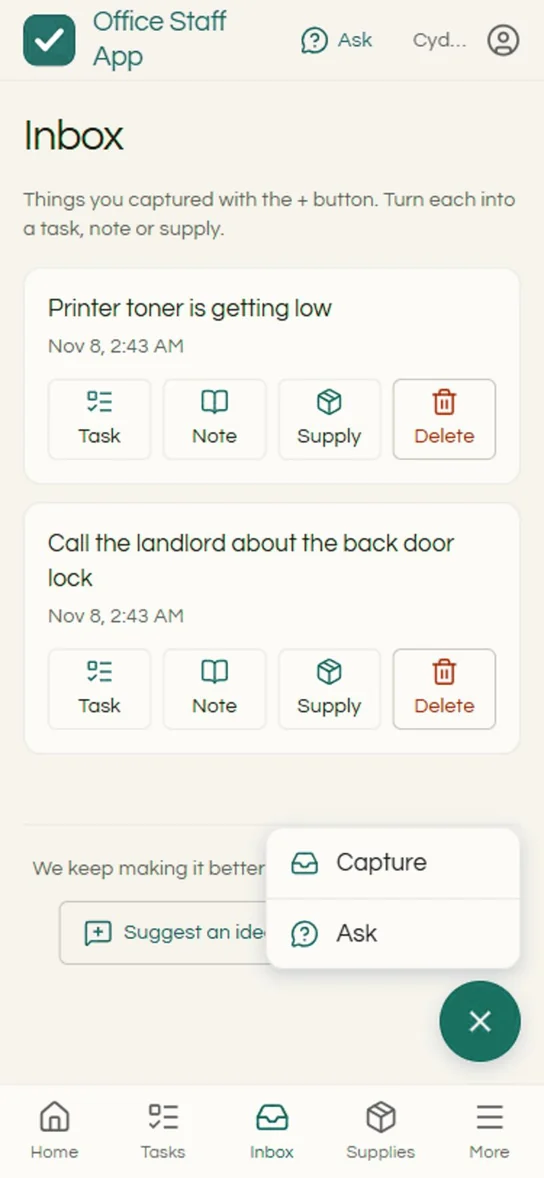
Tap + from any screen and type what you need to remember. It lands in the inbox, where one tap turns it into a task, a note or a supply.
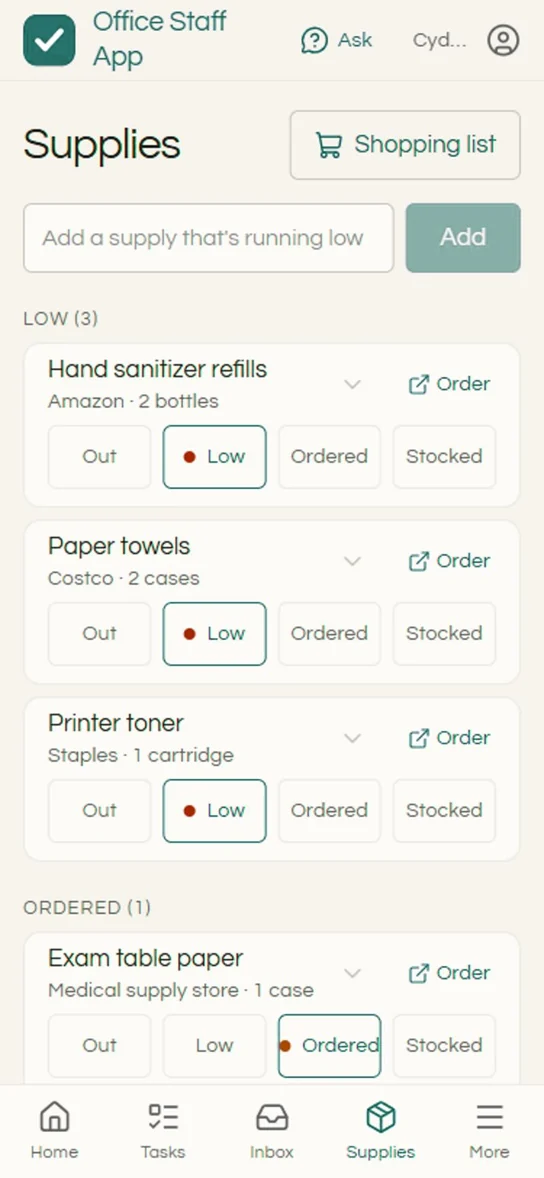
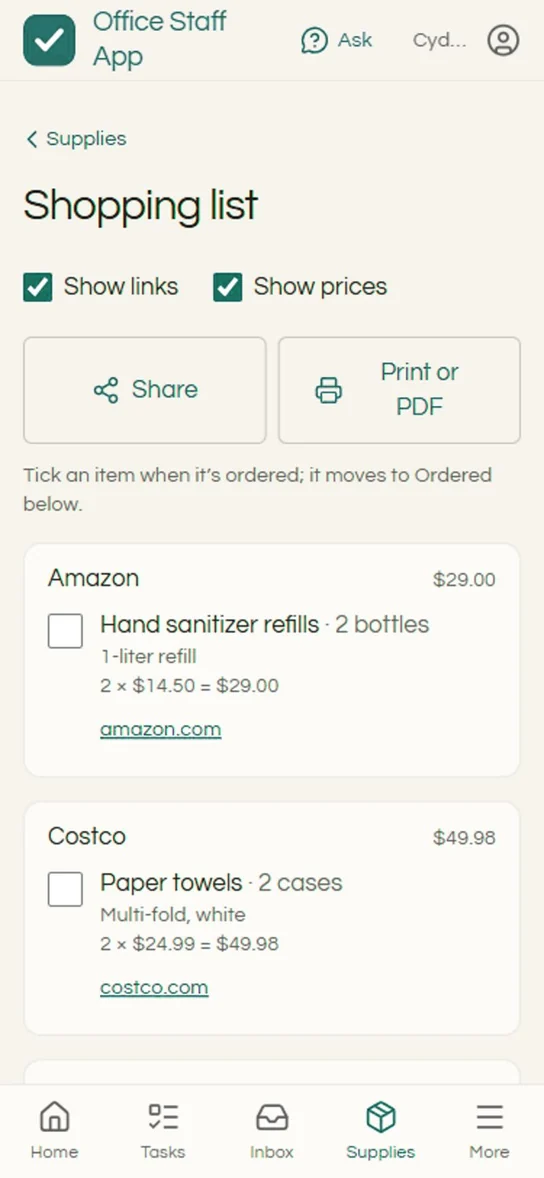
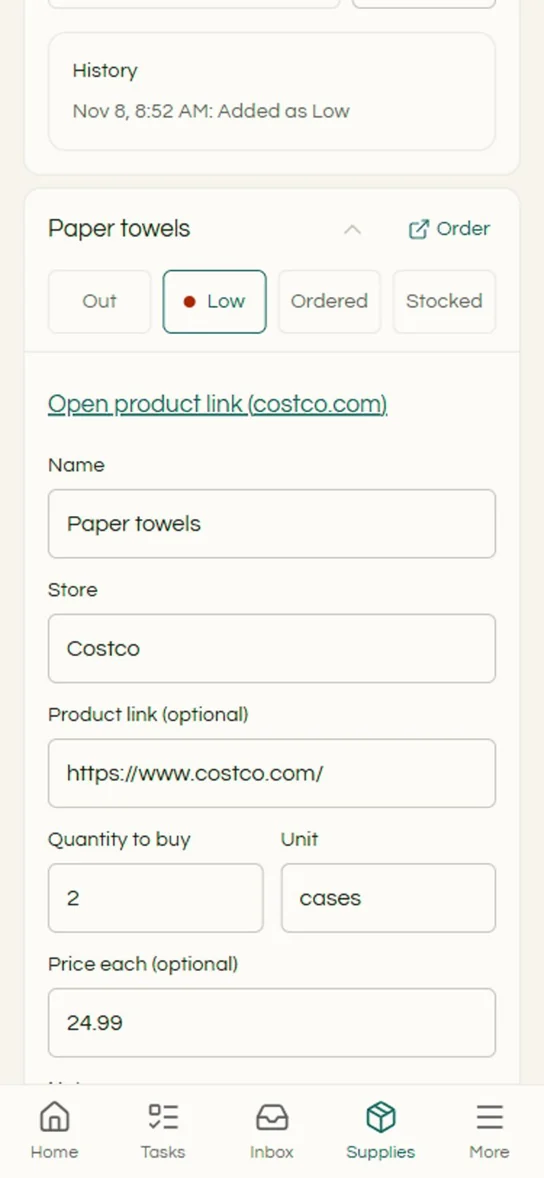
Mark a supply low, ordered, then stocked. Nobody orders twice, and nothing runs out because the note fell off the monitor.
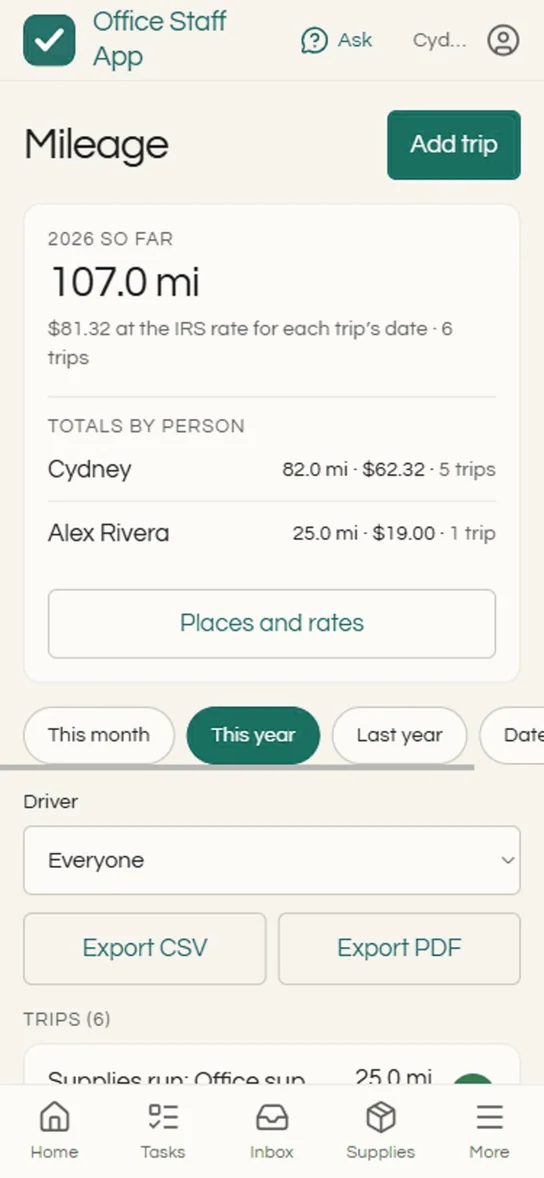
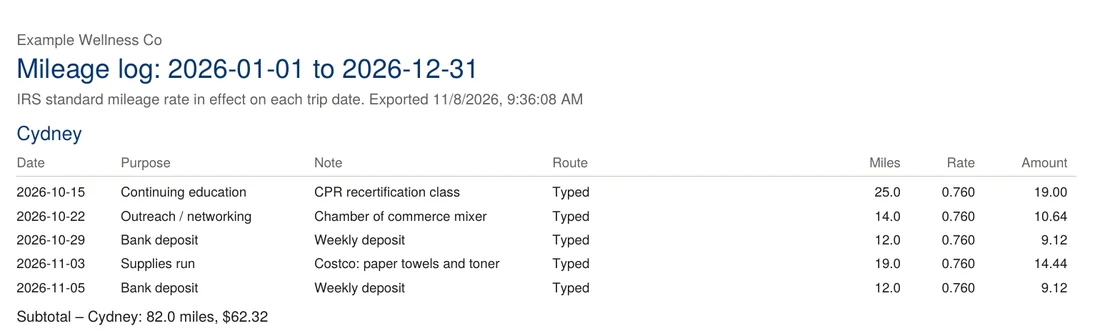
Pick saved places, tick round trip, and the IRS rate for that date is applied for you. Totals show by person. At tax time, export the year to CSV or PDF and send it to your bookkeeper or accountant.
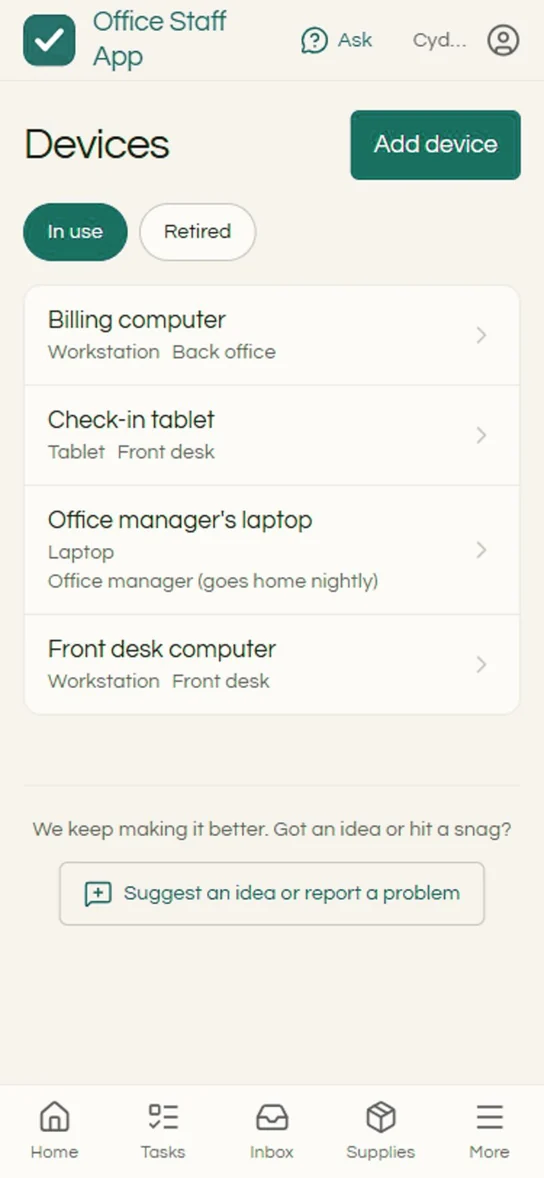
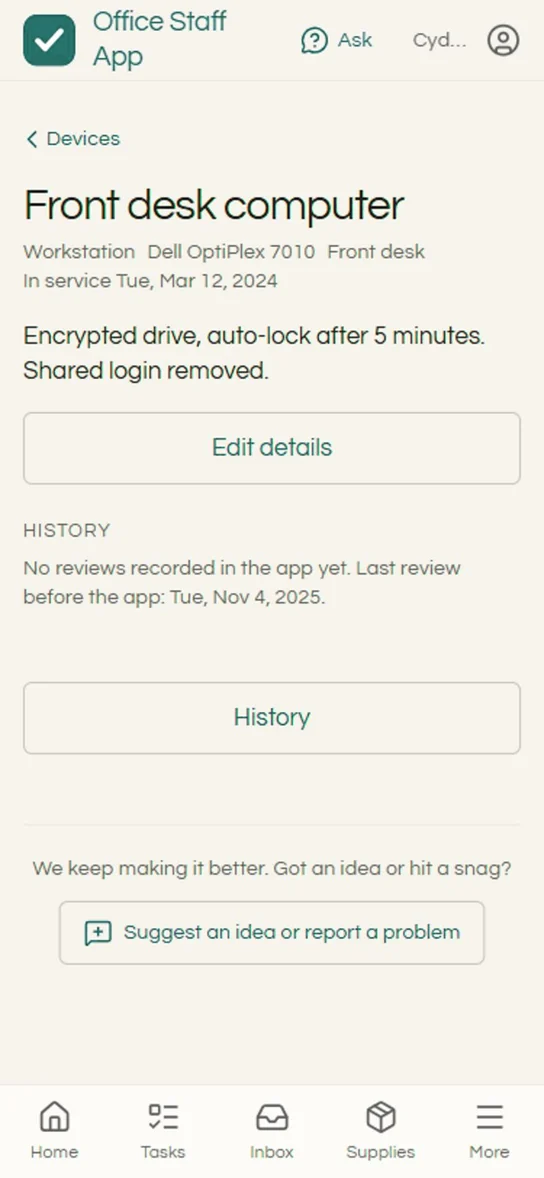
Keep a simple list of computers, tablets and routers: make and model, where each one lives, when it went into service, when it was retired and when it was last reviewed.
For health practices, that list does real work. HIPAA's Security Rule asks covered practices to keep a record of the movements of hardware and electronic media and who is responsible for them (45 CFR §164.310(d)), and to have procedures for disposing of and re-using devices that hold patient information. A proposed update to the rule, published in January 2025 and not yet final, would also require a written inventory of technology assets, reviewed every year.
Staplyn helps you keep these records in one place. It doesn't make an office HIPAA compliant by itself, and it never stores patient information.
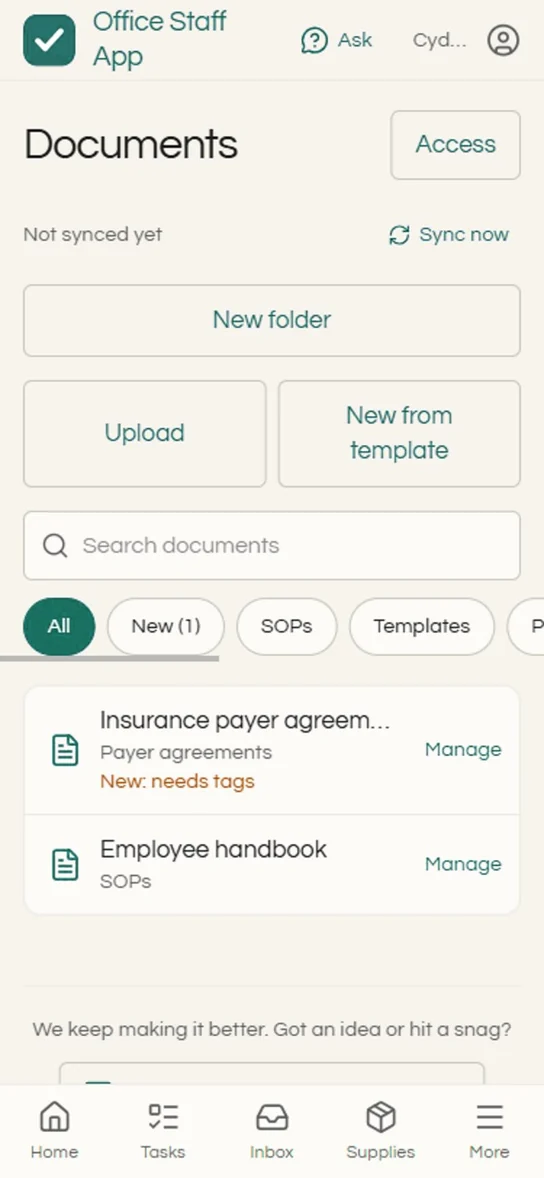
SOPs, templates, agreements and reports live in folders your business sets up, backed by your own Google shared drive. New files are flagged so someone files them, search finds them fast, and "New from template" starts the next one.
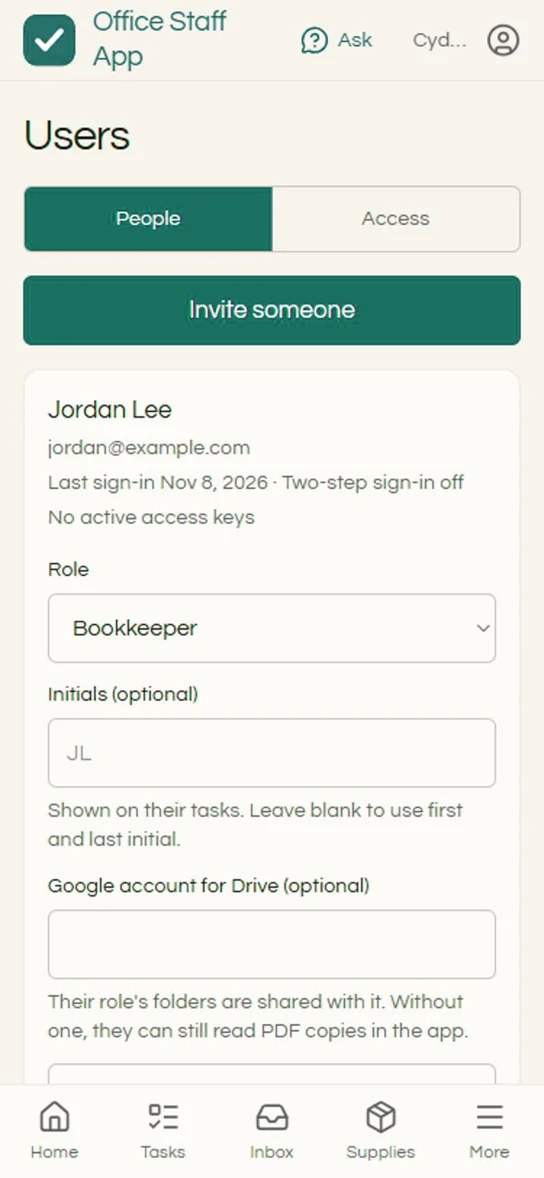
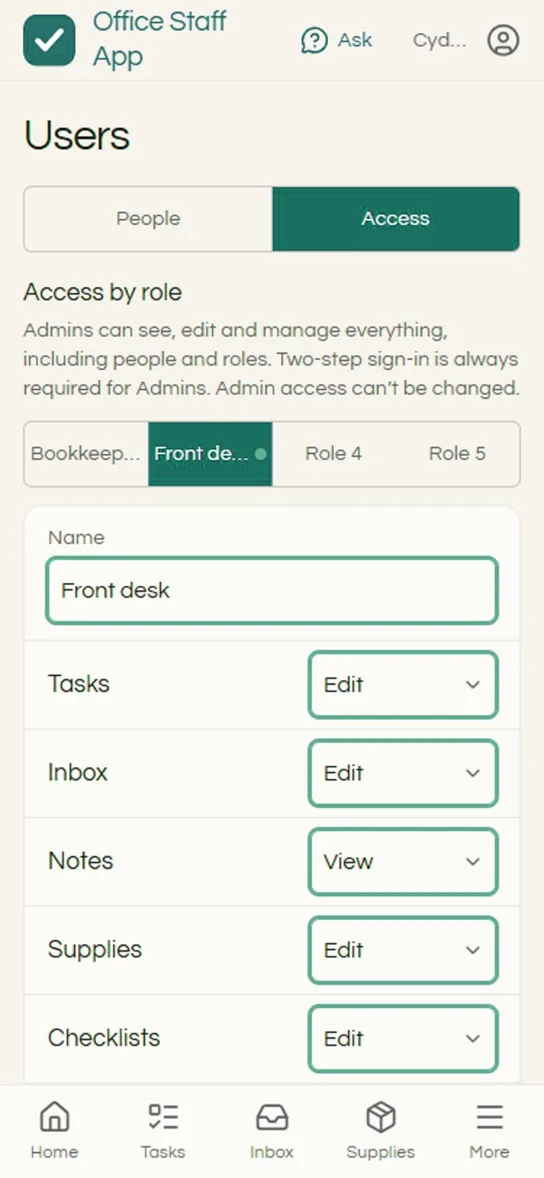
Each role sees only the folders it should, and the app keeps Google Drive sharing in step.
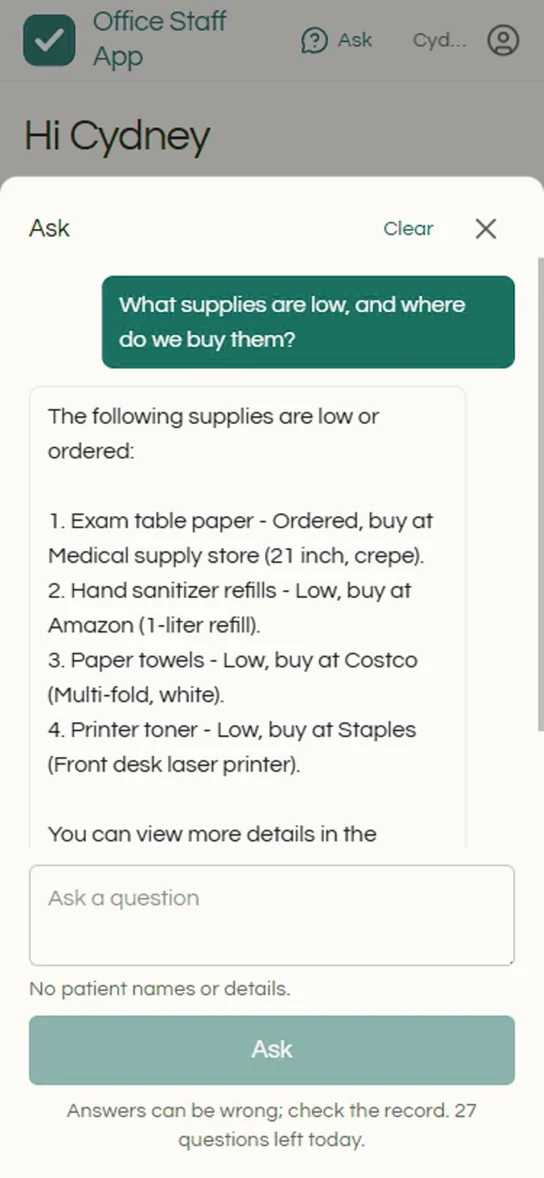
Ask is a search box that understands plain questions. Type "What supplies are low, and where do we buy them?" or "What's due this week?" and get a short answer pulled from your own tasks, supplies, checklists and records, with links straight to them.
Answers only cover what that person is allowed to see, and admins choose which roles can use it.
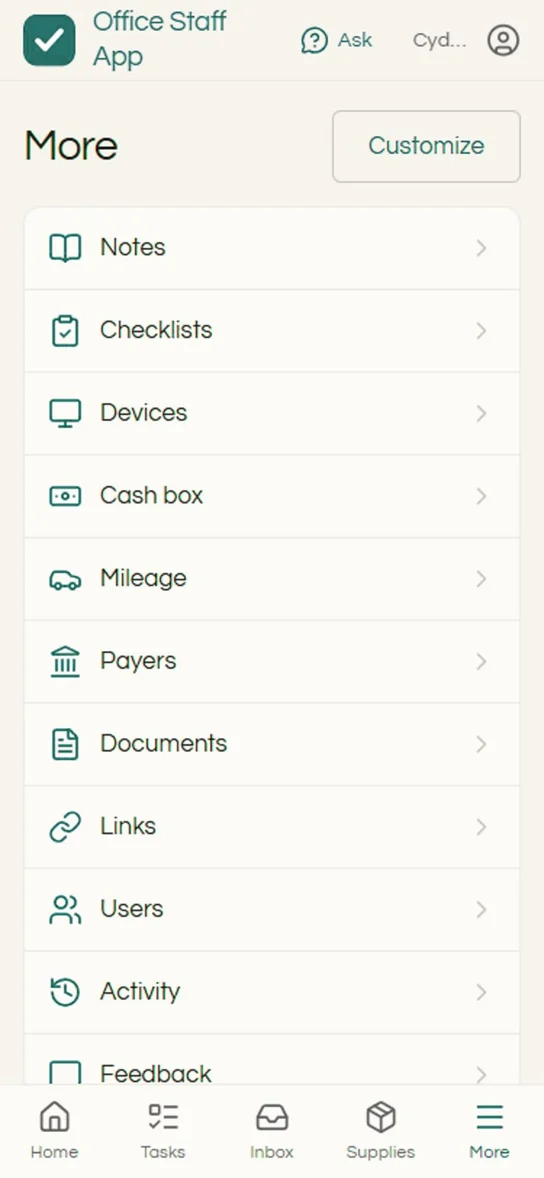
Notes, checklists, devices, a petty cash box, mileage, payers, documents, links, users and an activity log of who changed what, all in one place your whole team shares. Customize the menu, and turn off what you don't need.
Staplyn gets better every few weeks, and updates come to your copy without losing your data. Here's what's planned. Plans can change, and your ideas move things up the list.
We'll walk you through it on a short call, free.
Book a free demoOr email hello@staplyn.com